
Memory Player
How to use your headset
Charging, loading the music, playing it, and listening together. Five steps, start to finish.
What they are
All-in-one, nothing to pair
The headset plays MP3 or WAV files from a microSD card tucked inside the headphones. No phone, no app, no Bluetooth to lose.
They are light, good quality and cheap. Michael built them so two people could listen at the same time, and so they would cost little enough that anybody could afford to give one to an elder who needs it.
Watch first
The tutorial
A walkthrough of the whole process. If you would rather read it, every step is written out below.
Step by step
Five steps
1
Charging
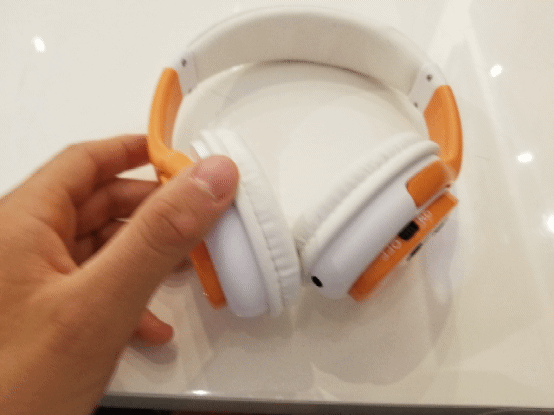
Plug the headset into a computer USB port or a phone charger. The light goes off when it is fully charged.
2
Make a songlist
Write the list before you touch any files. The Alive Inside App is built for exactly this — it asks the questions that shake loose the songs your elder actually remembers.
A list only at this stage. No downloading yet. Build it at www.AIFapp.com
3
Loading the music
Take the microSD card out of the headphones and put it into a full-sized SD adapter, then into your laptop. Or plug the headset straight into a USB port and switch it on — the card shows up as a drive called NO NAME.
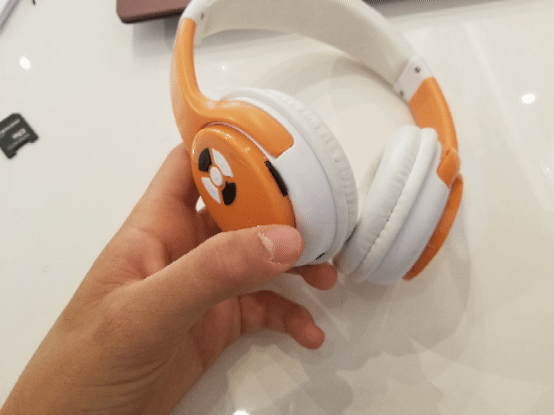
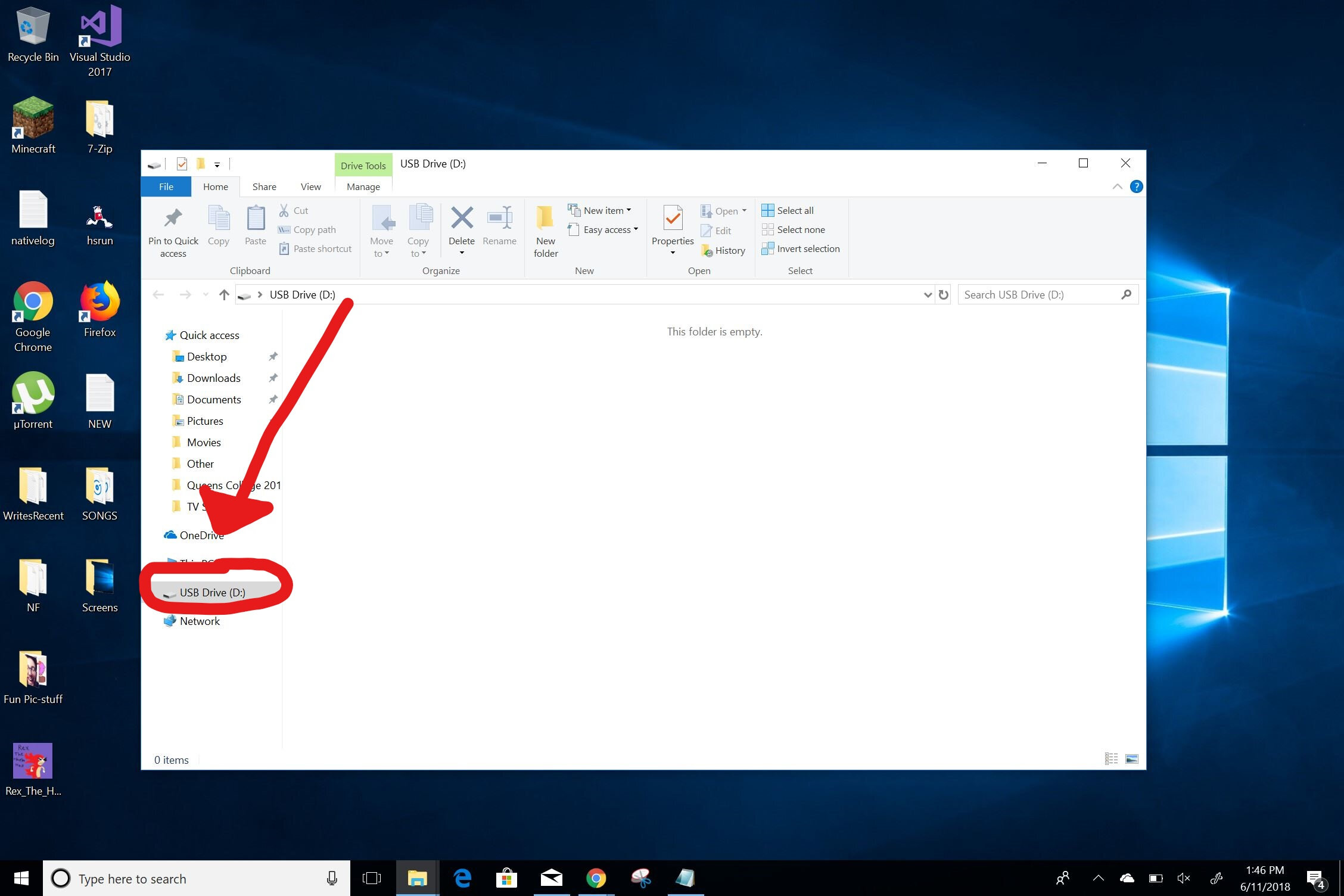
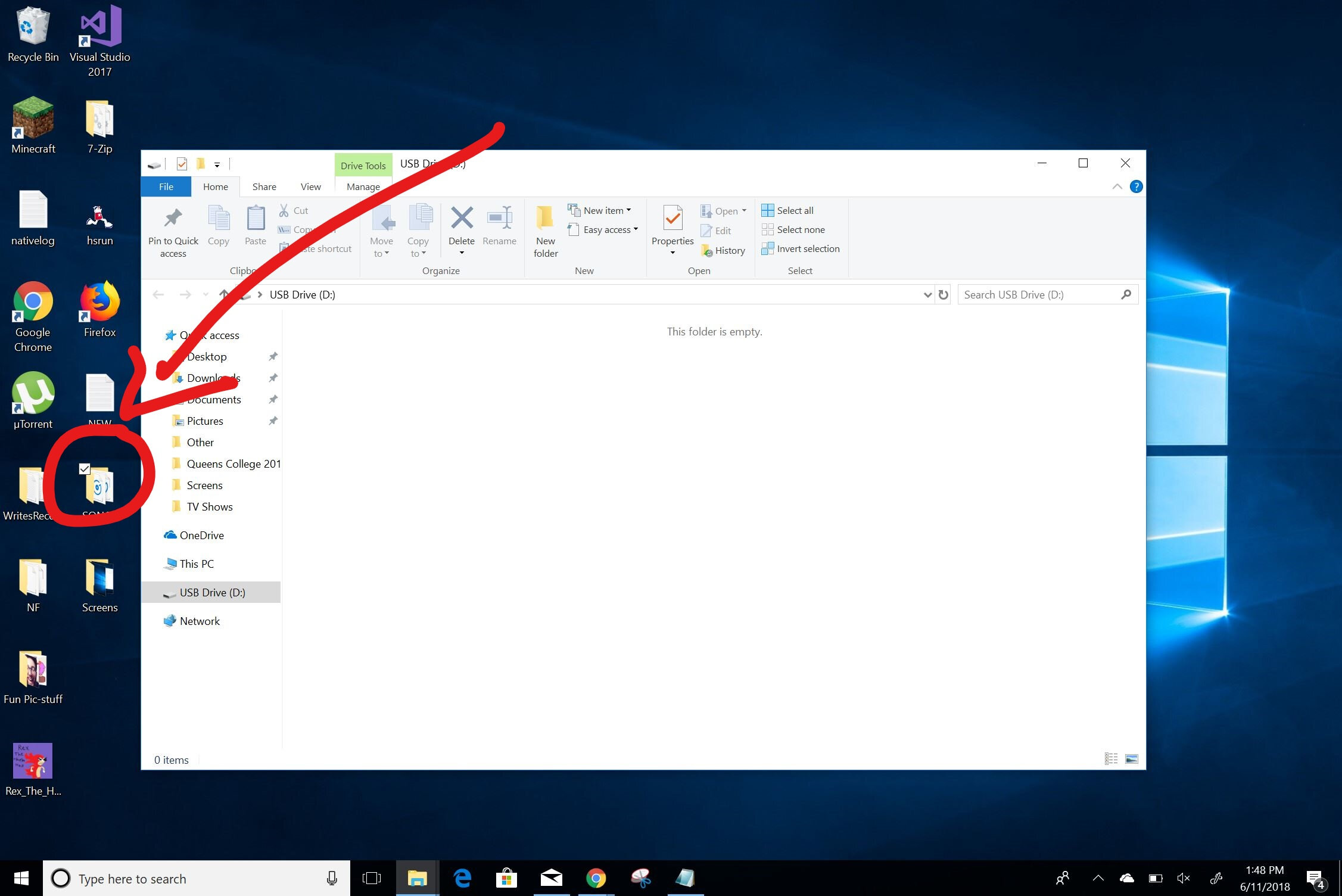
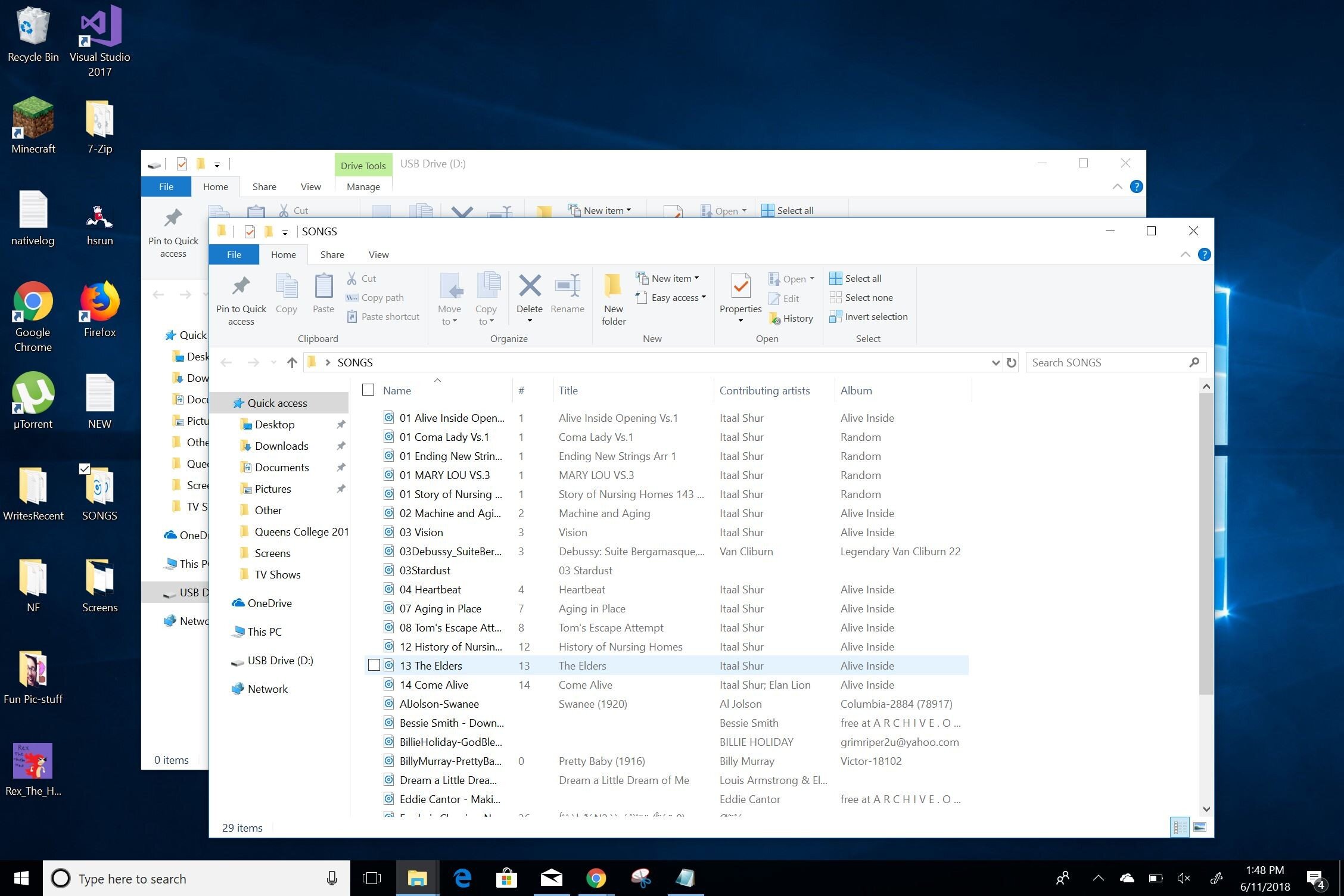
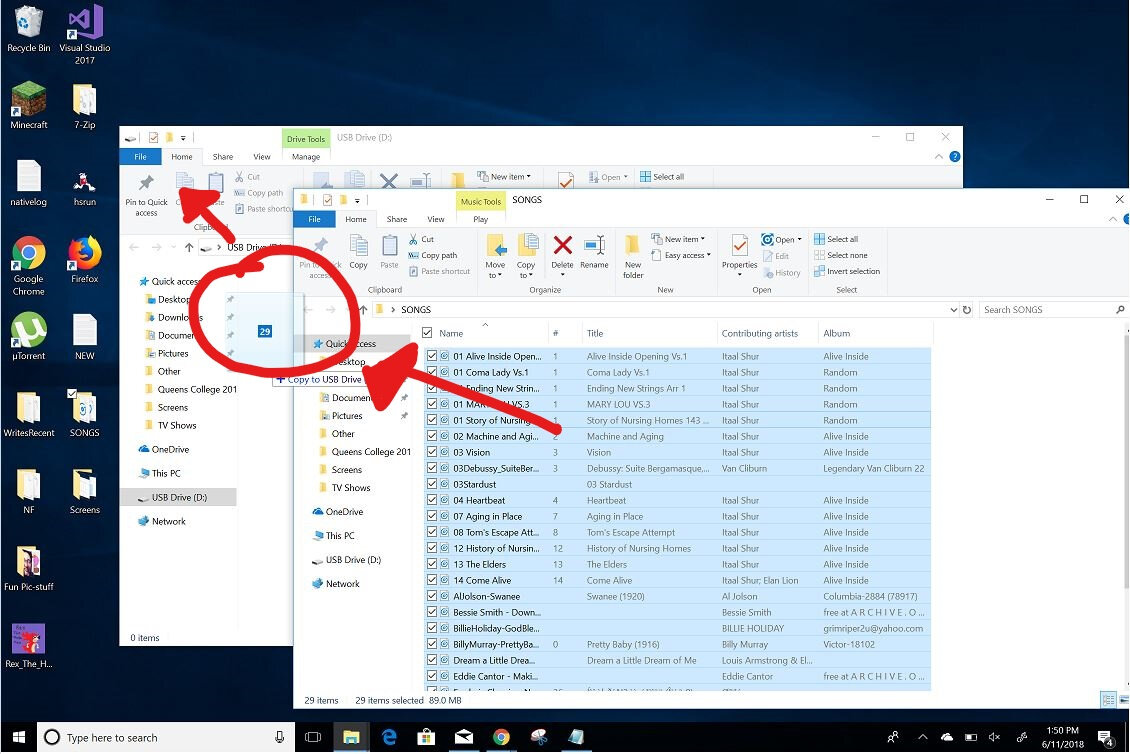
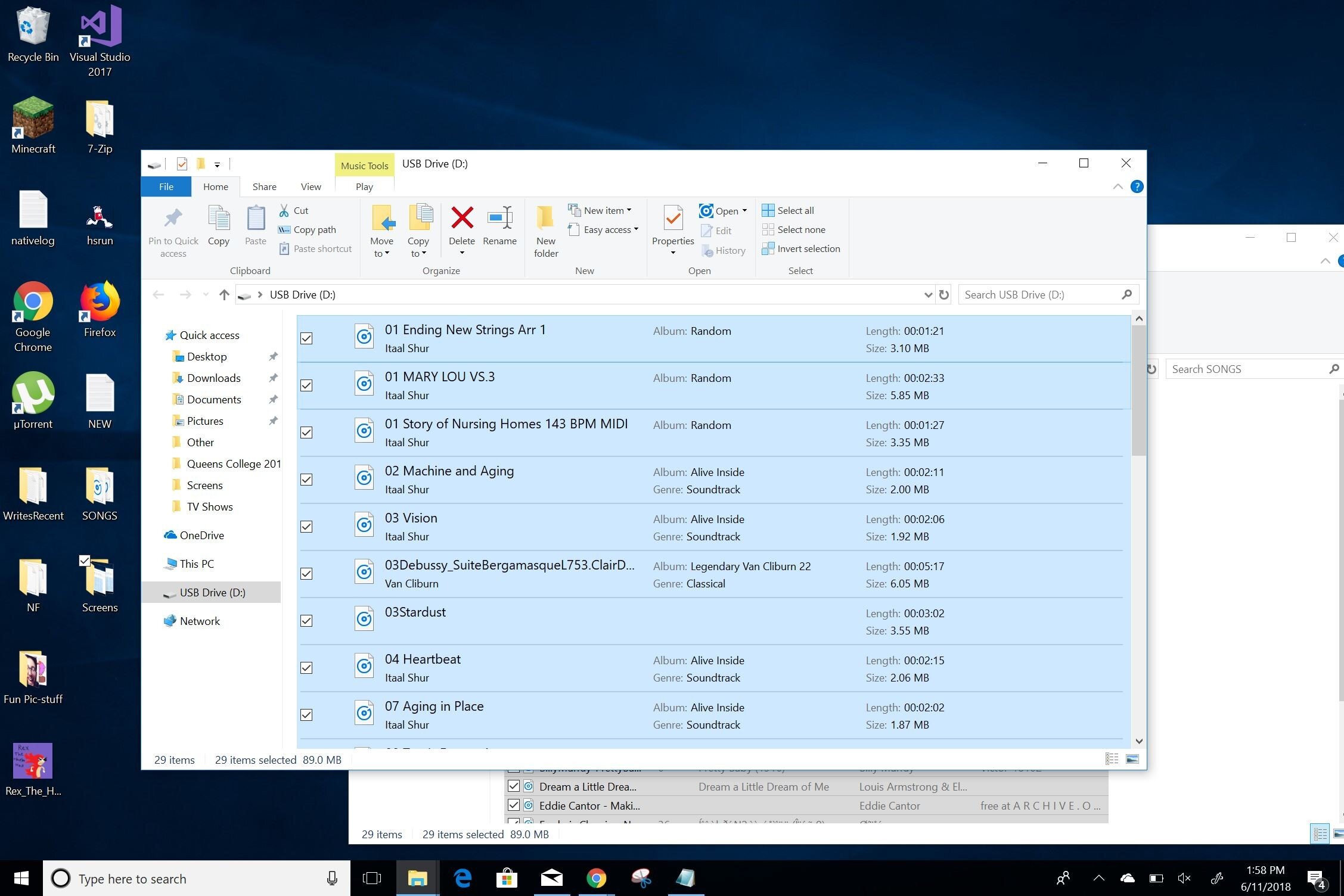
Files must be MP3 or WAV. If your computer will not recognise the headphones, switch USB ports or use a card reader — that fixes it nearly every time, and a reader is faster anyway.
4
Playing the songs
With the card in and the power switched on, the music plays in order. The arrows skip tracks. Plus and minus change the volume.
5
Listening together
This is the part most people miss. The whole point of the splitter is that finding and hearing the music is something you do with your elder, not for them.
- Plug the splitter into your phone to run the app and the headset at once
- Or plug your own headphones into the headset and listen alongside them
A note from the director
Making Alive Inside fed my soul. When I asked a group of middle school kids to find the life stories and musical history of their elders, what happened surprised me. I saw these young souls fill with purpose. I saw youth show empathy skills nobody thought they had.
That filled me with hope. Creating empathy in our next generation, and aliveness in the last, became my mission. Music and human connection will lead us to safety.
Join us. Let's help our youth, millions of elders living at home with Alzheimer's, and ourselves. We are all part of this awakening of life.
Director of Alive Inside · AliveInside.org
Get one for your elder
Every headset bought sends a second one free to an elder with no family left to ask.